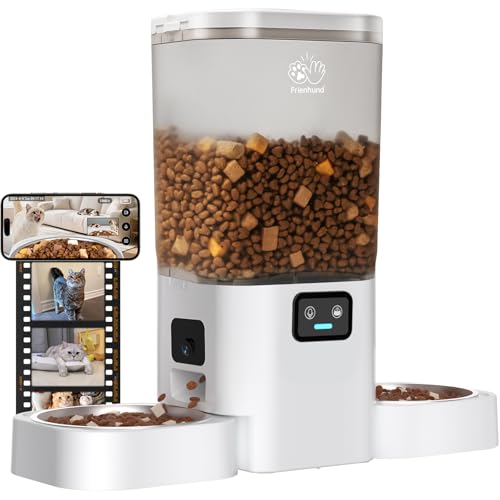
Imagine coming home to find a chewed shoe and no clue when it happened. Or worrying if your senior cat had a restless night while you were away. A pet camera with event history solves these mysteries. These intelligent devices record and store clips triggered by motion, sound, or even a person or pet, so you can scroll back through the day and see exactly what your furry friend was up to. In this guide, we review the top models that excel at capturing and preserving those moments, helping you stay connected no matter where you are.
Whether you need to check on a new puppy or monitor an older pet with health concerns, event history gives you peace of mind. We have evaluated several cameras from trusted brands, focusing on how they store and organize past activity. For more context on the different types of pet cameras available, explore our Pet Cameras category.





Buying Guide: What to Look for in a Pet Camera with Event History
Choosing the right camera for tracking your pet’s past moments involves a few key considerations. Here are the most important factors we weighed during our evaluation.
Storage Options for Event History
Event history relies on where and how clips are saved. Most cameras offer local storage via a microSD card, which keeps recordings on the device with no ongoing fees. Others provide cloud subscriptions that store clips for several days or weeks, making them accessible from anywhere. Some models, like the Anona Pano 4K UHD Indoor Camera, offer both, giving you flexibility. If you prefer a no-subscription solution, local storage is your best bet.
For more tips on managing storage, check out our guide on pet cameras with low battery alerts, which often include smart storage management.
Smart Detection Triggers
Not all events are equal. Cameras with AI person, pet, and even crying detection can reduce false alerts and capture only meaningful moments. For example, the Anona 4K UHD Indoor Camera uses advanced algorithms to distinguish between a person, a pet, and a baby’s cry, so you get notifications that matter. This makes reviewing event history much more efficient.
Explore our subcategory on AI Pet Cameras to see more models with intelligent detection.
Video Quality for Reviewing Details
When you scroll back to see what happened, you need clear footage. Higher resolution like 4K or 2K allows you to zoom in and see even small details, such as whether your cat is eating or just sniffing. Cameras with 1080p are still good, but if you want to catch every nuance, opt for at least 2K. The Blink Mini 2K+ (newest model) delivers sharp 2K video for affordable event history.
Ease of Accessing and Sharing History
The best event history features a user‑friendly app that sorts clips by time and type. Look for cameras that allow you to filter events (motion, pet, sound) and offer intuitive playback. Some apps let you share clips with family members, which is great for pet sitters or busy households. For a deep dive into app‑based controls, visit our Pet Cameras with App section.
Final Thoughts
After evaluating these top contenders, the Anona Pano 4K UHD Indoor Camera stands out for its stunning 4K resolution and intelligent detection, making it perfect for pet parents who want rich, searchable event history. For a more budget‑conscious choice that still delivers reliable playback, the Blink Mini 2K+ (newest model) offers solid 2K video and flexible cloud storage. Both keep you informed and connected, so you never miss a moment of your pet’s day.
Related Guides
Frequently Asked Questions
How long do pet cameras store event history? Storage duration depends on the method. With a local microSD card, you can store days or weeks of clips, limited only by card capacity. Cloud subscriptions typically offer 7 to 30 days of rolling history. Always check the product specs before buying.
Do pet cameras with event history require a monthly subscription? Not always. Many models, like the Kasa 1080p Indoor Pan/Tilt Wired Security Camera, allow local storage without any fees. However, cloud storage features often come with a subscription fee. Choose a camera that fits your budget and storage preferences.
Can I view event history on my phone? Yes, all the cameras in this review offer phone apps that let you watch recorded clips and live footage anytime. Look for apps that provide easy timeline navigation and event filters for a smooth experience. For more app‑based tips, see our Pet Tech Guides.
What is the difference between local and cloud event history? Local storage saves clips on a physical card inside the camera, accessible only at home unless you remove the card. Cloud storage uploads clips to a remote server, so you can view them from anywhere. Both have pros: local is free, cloud adds convenience and backup. Many cameras support both options.