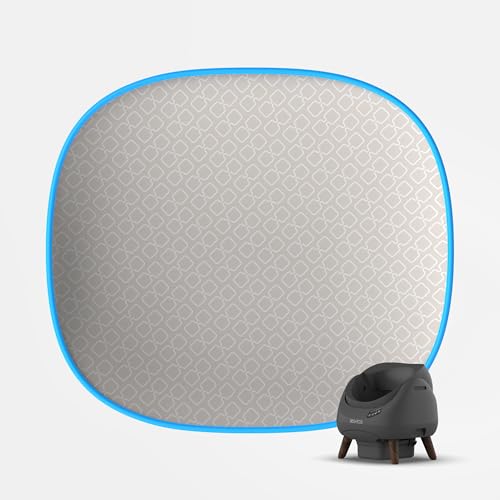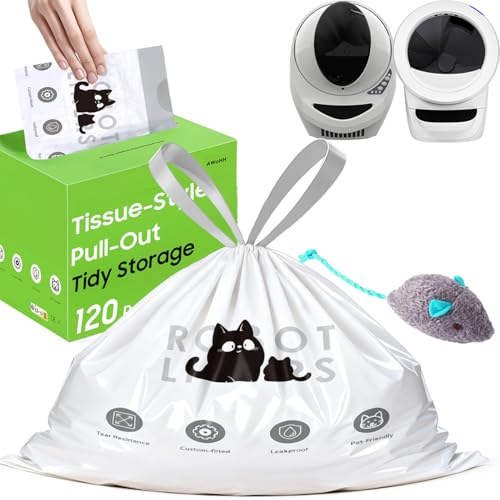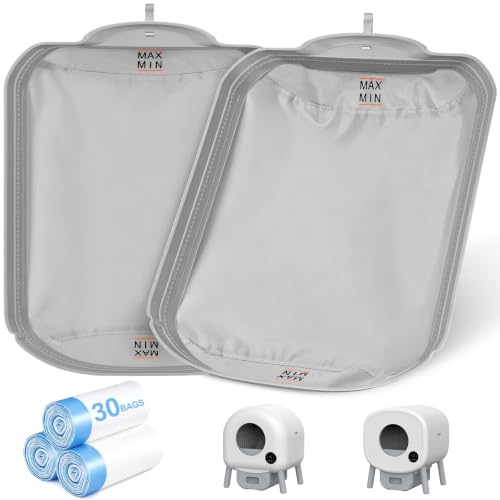
If you own a CATLINK automatic litter box or water fountain, you already know how convenient these devices make pet care. But keeping them performing at their best requires the right replacement filters. Whether you need to trap odors from a multi-cat household or soften water for a finicky feline, choosing the correct filter matters. In this guide, we review five top-rated CATLINK replacement filters for 2026, covering everything from carbon odor absorbers to ultrafiltration cartridges and sift filters. We focus on compatibility, filtration type, and longevity to help you find the perfect match for your setup.
You can explore more litter box accessories to keep your cat area fresh and functional.


Buying Guide
Compatibility with Your CATLINK Device
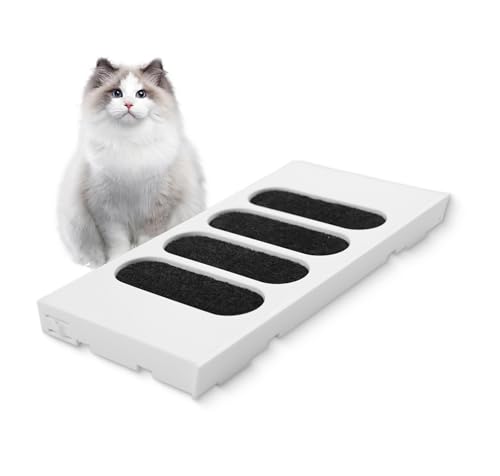
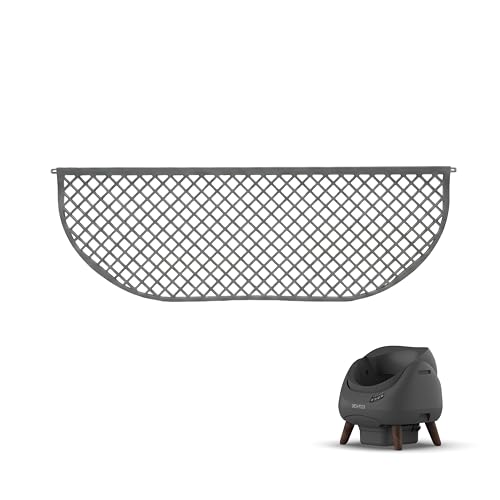
Not every filter fits every CATLINK model. The Scooper Young, Luxury PRO, Ultra, and Open-X all have different filter shapes and attachment methods. For example, the CATLINK Filter Box for Automatic Self-Cleaning Cat (B0BDLGRT2J) works only with Scooper Young and Luxury PRO, while the Replacement Sift Filter (B0GR9JQ2KP) is exclusive to Scooper Open-X. Always check your litter box model before ordering. Even water fountain filters, like the CATLINK Cat Water Fountain Ultrafiltration Filter, are designed only for the PURE 2 fountain.
For a broader look at automated cleaning solutions, check out our roundup of best PETKIT automatic litter box accessories for similar innovations.
Type of Filtration: Carbon vs. Ultrafiltration vs. Sift
Filters serve different purposes. Activated carbon filters (like the PUREBURG 6-pack) absorb odors, ammonia, and VOCs from the litter box area. Ultrafiltration filters (like the CATLINK water fountain option) remove calcium and magnesium ions to soften water and reduce urinary stones. Sift filters (like the one for Scooper Open-X) physically separate waste from clean litter during the self-cleaning cycle. Choose based on your primary need: odor control, water quality, or sifting performance.
If you also use manual litter boxes, you might find our guide to best litter box liners for multiple cats helpful for cleanup.
Longevity and Replacement Schedule
Replacement frequency varies by filter type. The CATLINK ultrafiltration filter lasts up to three months (two filters cover six months). The carbon filters for litter boxes often need changing every month to maintain odor control, especially in multi-cat homes. The sift filter should be replaced every three months or when you notice reduced performance. Buying multipacks can save you trips to the store and ensure you never skip a swap.
For more ideas on maintaining a clean cat area, browse our selection of best PETKIT smart litter box accessories.
Final Thoughts
After reviewing the lineup, we recommend the CATLINK Cat Water Fountain Ultrafiltration Filter for cat owners who prioritize soft, clean drinking water and want a filter that lasts a quarter. For litter box odor control, the PUREBURG Activated Carbon Filter Compatible offers excellent value with its six-pack design and compatibility with multiple Scooper models. Both options are backed by high user ratings and deliver reliable performance for your daily cat care routine.
Frequently Asked Questions
How often should I replace CATLINK filters?
Most CATLINK litter box carbon filters should be replaced every one to three months, depending on usage and the number of cats. The ultrafiltration water filter lasts up to three months. Always check the product manual for your specific model.
Can I use third-party filters in my CATLINK device?
Yes, third-party filters like the PUREBURG carbon filter are designed to be compatible. However, ensure they match your exact model (e.g., Scooper Young, Luxury PRO) and are not OEM replacements. Non-OEM filters may have slightly different dimensions.
Which CATLINK filter is best for reducing litter box odors?
Activated carbon filters are most effective for odor and VOC absorption. The PUREBURG 6-pack provides strong performance, especially when using two filters simultaneously as recommended for multi-cat households.
How do I install the sift filter on my Scooper Open-X?
Turn off and unplug the litter box. Remove the waste drawer, then slide out the old sift filter. Insert the new filter (dimensions 16.65 × 1.85 × 0.39 inches) into the bayonet slot, ensuring it locks securely. Refer to your manual for detailed steps. For more tips on maintaining automatic litter boxes, see our article on best jumbo cat litter box liners for hassle-free cleanup.