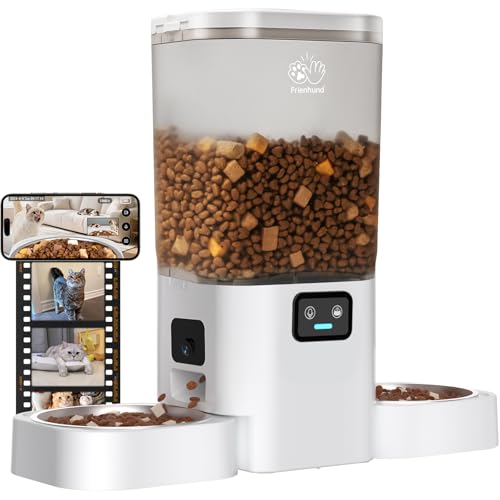
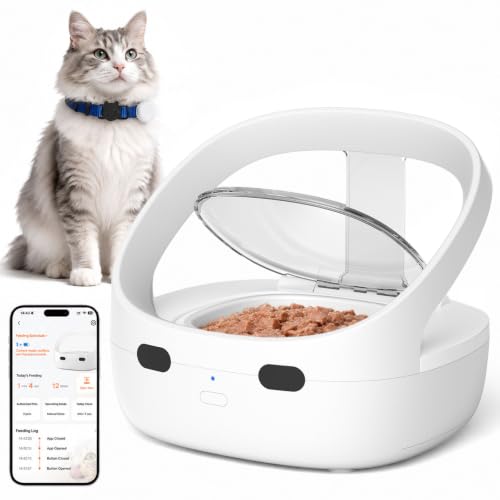
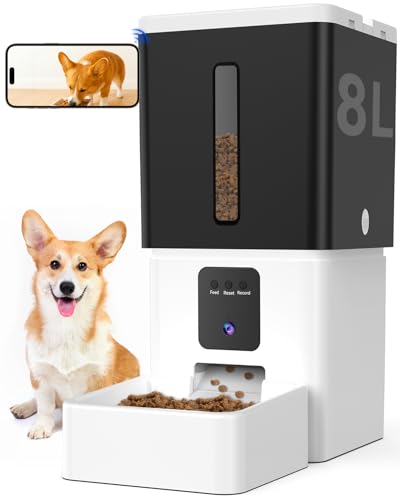
If you have multiple pets, keeping track of who ate what and when can feel like a full-time job. You might worry about food stealing, overeating, or a shy pet missing meals entirely. That is where multi-pet feeders with video recording come in. These smart devices let you watch your pets in real time, review recorded clips, and even talk to them through two-way audio. In this guide, we evaluate five top models that combine feeding automation with high-quality video monitoring. Whether you need facial recognition for up to 15 pets or a dual-bowl design to reduce conflict, we have you covered. For more on live video options, check out our best multi-pet feeders with live video.
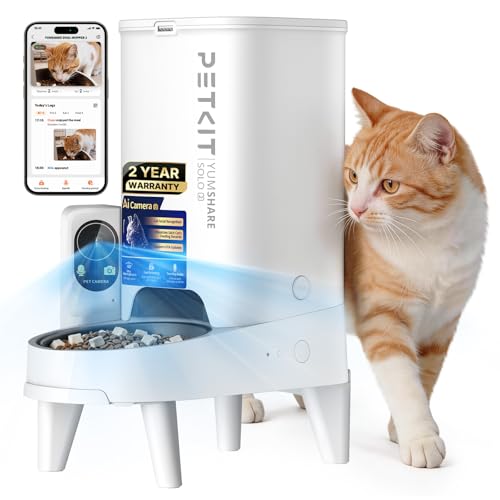



Buying Guide: What to Look for in a Multi-Pet Feeder with Video Recording
Video Quality and Night Vision
A clear camera is essential for monitoring your pets. Look for at least 1080p HD resolution and a wide-angle lens (140° or more) so you can see the entire feeding area. Night vision is equally important, especially if your pets eat during early morning or late evening hours. Infrared LEDs ensure you get a crisp view even in total darkness. For a deeper dive into camera specs, see our best Multi-Pet feeders with HD camera.
Multi-Pet Recognition and Identification
In a multi-pet household, knowing which pet has eaten helps you manage diets and prevent overfeeding. Some feeders use AI facial recognition to identify up to 15 individual pets, while others rely on RFID tags or separate bowls. If you have pets with different dietary needs, consider a model that tracks each pet’s intake. For more on this feature, read our best feeders with individual pet recognition.
App Control and Smart Features
A reliable app lets you schedule meals, adjust portions, and view recorded videos from anywhere. Dual-band WiFi (2.4GHz and 5GHz) ensures a stable connection. Look for features like motion detection alerts, two-way audio, and voice recording to call your pets to meals. Some apps also classify recorded clips into categories (feeding, eating, pet visiting) for easy review.
Reliability and Backup Power
Power outages should not mean missed meals. Choose a feeder that offers battery backup (usually D-cell or AA batteries) so feeding schedules continue even when the power goes out. Also consider anti-jam mechanisms and food shortage alerts. A lockable lid and desiccant compartment help keep kibble fresh. For more tips, visit our multi-pet feeders category page.
Final Thoughts
Choosing the right multi-pet feeder with video recording comes down to your specific needs. For households with multiple cats or dogs that need individual tracking, the PETKIT Upgraded Multi-Cat Recognition Automatic stands out with its AI facial recognition and 1080p camera that records pet vlogs. If you have two pets that tend to squabble over food, the Dual-Camera Automatic Pet Feeder with 2 Bowls offers separate feeding zones and dual cameras to monitor each pet simultaneously. Both models provide peace of mind and keep you connected to your furry friends, no matter where you are.
Related Guides
- Top RFID Feeders for Individual Pet Feeding
- Multi Pet Feeder vs Single Pet Feeder
- Smart Feeder vs Microchip Feeder
Frequently Asked Questions
Can multi-pet feeders with video recording recognize individual pets?
Yes, some models like the PETKIT feeder use AI facial recognition to identify up to 15 pets and track who has eaten. Others use separate bowls or RFID tags. For a detailed comparison, see our best feeders with individual pet recognition.
Do these feeders work with both cats and dogs?
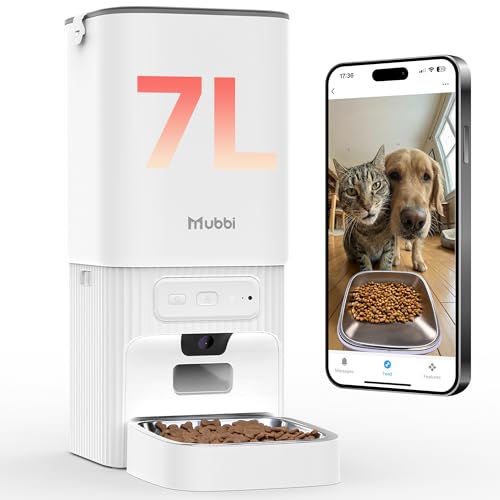
Most multi-pet feeders are designed for both cats and small to medium dogs. The key is to ensure the kibble size matches the dispenser. Models like the PETLIBRO and MUBBI feeders accommodate dry food pellets up to 15 mm. Always check the product specifications for your pet’s breed.
What happens if the power goes out?
Many feeders offer battery backup (D-cell or AA batteries) that keeps the feeding schedule running during a power outage. However, video monitoring and app controls will be unavailable until power is restored. For uninterrupted monitoring, consider a model with a strong backup system, like the CATBOAT or PETKIT feeders.
How do I set up the camera and view recorded videos?
Setup is usually done through the brand’s app (e.g., PETLIBRO, PETKIT, Tuya). After connecting the feeder to your WiFi, you can view live video, adjust camera angles (if motorized), and review recorded clips. Some feeders support local storage via microSD card (up to 256GB) or cloud subscription. For night vision tips, check our best Multi-Pet feeders with night vision.